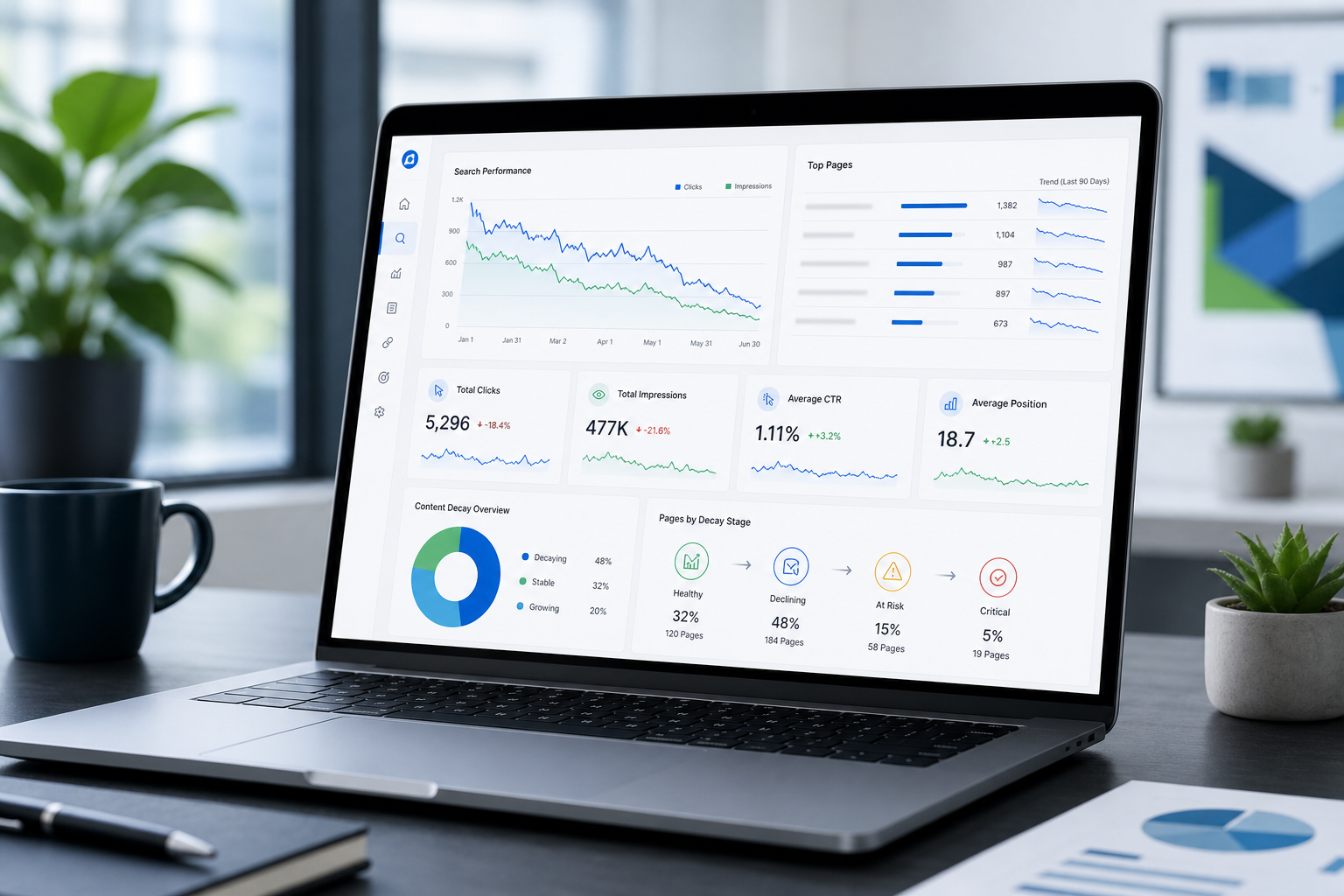
A post that ranked on page one last year can still look fine in your CMS. The URL loads. The word count is high. Nobody flagged it in a sprint review. Meanwhile, impressions in Search Console drift sideways, clicks slide, and a competitor’s fresher guide starts winning the queries you used to own. That slow slide is content decay, and the fix is not a one-time audit. You need a content decay monitoring workflow you run every month so decay shows up before traffic does.
This guide walks through how to build that workflow with Google Search Console and GA4: which signals to watch, how to spot query and word-pattern shifts, when to refresh a page now versus wait, and how to feed the output into your editorial calendar. No theory-only checklist. A process marketing teams can run in about 90 minutes once the spreadsheet exists.
If you already read our breakdown of impressions vs clicks in GSC, think of this as the next layer. Impressions and clicks tell you something is wrong on a URL. A decay monitoring workflow tells you which URLs to check, how often, and what to do when the pattern repeats.
What a content decay monitoring workflow actually is
Content decay is the gradual loss of search visibility, engagement, or business value on a page that used to perform. It is rarely a sudden cliff. More often, position softens, impressions flatten or fall, click-through rate weakens, and on-site engagement drifts down over quarters.
A monitoring workflow is the repeatable set of steps that surfaces those pages before the revenue line moves. It is not “run Screaming Frog once” or “panic when traffic drops.” It is a calendar slot, a fixed report pull, a short list of URLs flagged by rules you trust, and a decision rubric for refresh, merge, redirect, or wait.
Good workflows answer four questions every month:
- Which pages changed? Rankings, impressions, clicks, and engagement versus your baseline.
- How bad is it? Severity by business value, not just percent change on a low-traffic post.
- Why might it be happening? Freshness, competition, intent shift, technical issues, or SERP feature changes.
- What do we do next? Refresh, consolidate, redirect, improve snippets, or monitor another cycle.
Teams that skip the workflow usually discover decay in a quarterly traffic review, when the fix takes twice as long because competitors have already updated their guides and earned new links. The workflow buys you lead time.
Why ad-hoc checks fail
Most marketing sites have hundreds or thousands of URLs. You cannot read them all each month. Without a workflow, teams fall into predictable traps:
- Recency bias: only pages published in the last year get attention.
- Hero page fixation: the homepage and pricing page get reviewed; long-tail winners rot quietly.
- Vanity metrics: site-wide traffic hides URL-level decay until a cluster fails.
- One-off audits: a consultant delivers a spreadsheet in January; nobody reruns it in June.
A workflow forces you to compare this month to last month and to the same month last year for the same URLs. That comparison is where decay becomes visible. It also creates documentation: when leadership asks why you refreshed a post, you can point to twelve weeks of GSC trend, not a gut feeling.
Assign one owner for the workflow. Content, SEO, or growth ops can run it, but the name on the calendar invite matters. Shared responsibility without a driver becomes optional by Q3.
GSC signals that flag decay early
Search Console is the backbone of decay monitoring for most B2B sites. You are looking for patterns on valuable URLs, not noise on page-five rankings.
Impressions down, position flat or worse
When impressions fall while average position holds or slips, Google is showing you less often for the queries that matter. Sometimes that is seasonality. Three months of decline on a commercial URL is worth a closer look. Cross-check query-level data: are you losing head terms, long-tail variants, or both?
Clicks down faster than impressions
That gap often means your snippet lost appeal, a SERP feature ate clicks, or competitors improved titles and descriptions. Our guide on impressions vs clicks covers how to read that split. In a decay workflow, flag URLs where CTR dropped more than one point at the same average position band.
Position slide on priority queries
Average position is blunt. Export your top 20 queries per URL each month. Decay often shows up first on secondary queries before the main keyword moves. A page can still rank third for the head term while losing dozens of supporting queries that used to send qualified traffic.
Query and word-pattern shifts
Search Console’s query report is where “content decay word pattern” shows up in practice. You may see new unrelated queries appear (a sign Google is less sure what the page is about), or the mix shifts toward informational variants while your page still reads like a product pitch. Screenshot the top queries monthly for your top 50 URLs. When the vocabulary drifts away from buyer intent, decay is often already underway even if total impressions look stable.
Word-pattern monitoring does not require fancy NLP. Sort queries by impressions, read the list, and note when the language changes. “Best,” “vs,” “pricing,” and “how to” clusters moving off your URL are all signals.
GA4 signals that confirm decay on the page
GSC tells you what happened in search. GA4 tells you what happened after the click, or whether organic landings are shrinking even when rankings look okay.
- Organic sessions and engaged sessions on the URL, month over month.
- Scroll and engagement rate if you track them; a drop can mean intent mismatch or stale content.
- Conversion events tied to the URL: demo requests, newsletter signups, asset downloads.
- Landing page report filtered to organic: are fewer new users entering through this URL?
Pair GSC and GA4 in one row per URL. A page with falling clicks and falling engaged sessions is a stronger refresh candidate than a page with falling clicks but steady conversions from a smaller, more qualified audience. Context decides.
If GA4 and GSC disagree, trust both and investigate. Sometimes GSC clicks fall because of SERP changes while the visitors who arrive convert better. That is a snippet problem, not necessarily a content body problem. Sometimes sessions hold while GSC impressions rise and clicks fall. That is often a visibility-without-relevance pattern.
Build your URL watchlist
Do not monitor every URL equally. Start with a tiered list you can actually review monthly.
- Tier 1 (monthly deep review): top 30 to 50 URLs by revenue influence, pipeline contribution, or strategic priority. Include hub pages and posts that historically drive qualified traffic.
- Tier 2 (quarterly review): mid-tail performers, supporting cluster content, and pages with rising impressions but weak CTR.
- Tier 3 (annual or trigger-based): old posts with low traffic but high backlink value, or pages you may consolidate later.
Store URL, tier, owner, target keyword, last refresh date, and primary conversion event in a master sheet. When a URL enters Tier 1, it stays there until performance stabilizes for two consecutive review cycles or you redirect it.
Pull seed URLs from GA4 landing page reports, GSC top pages, and your CRM if you attribute pipeline to content. Sales can tell you which posts still get forwarded even when traffic dips. That qualitative signal belongs on the watchlist.
Monthly workflow: step by step
Block 90 minutes the week after month close. Same week you run other content analytics reports keeps the habit aligned.
- Export GSC performance for the last 28 days and the prior 28 days, by page, with clicks, impressions, CTR, and position. Use the same property and filters every month.
- Export GA4 organic landing page data for the same two windows: sessions, engaged sessions, key events.
- Join on URL in your spreadsheet. Calculate percent change for each metric.
- Apply flag rules (see next section). Any URL that hits two or more flags goes to the review tab.
- Query-level check for flagged URLs: top queries this month vs last month and vs same month last year if you have it.
- Assign actions: refresh, snippet test, internal link boost, merge, redirect, or monitor.
- Log decisions with owner and due date. Feed refresh work into your editorial calendar built from decay data.
Cap active refresh projects. Most teams can ship three to five meaningful updates per month without starving new content. The workflow should produce a ranked list, not an infinite backlog nobody touches.
Flag rules that surface real decay
Tune thresholds to your traffic volume. Low-traffic sites need looser rules; high-traffic sites can tighten them.
| Flag | Typical threshold (Tier 1 URLs) | What it suggests |
|---|---|---|
| Impressions down | 15% or more vs prior 28 days, two months in a row | Visibility loss or demand shift |
| Clicks down | 20% or more with impressions flat or down | Ranking, snippet, or SERP feature issue |
| CTR down | 1+ point drop at similar position band | Title, meta, or competitor snippet win |
| Position down | 2+ positions on primary query | Content or authority gap vs competitors |
| Engaged sessions down | 20% or more on organic landings | On-page relevance or quality issue |
| Query mix drift | Top queries change category or intent | Google reinterpreting the page; refresh or refocus |
One flag means watch. Two flags on a Tier 1 URL means diagnose this month. Three flags means schedule a refresh unless there is a clear external cause (site migration, tracking break, known seasonality).
Document false positives. If a URL flagged for seasonality, note it so you do not waste an hour re-explaining ski gear dips every February.
When to refresh vs when to wait
Not every flagged URL needs a rewrite this week. Use business value and trend duration to sort the queue.
Refresh now
- Tier 1 URL with two or more flags for two consecutive months.
- Outdated stats, product names, or regulations on a high-traffic page.
- Competitor published a clearly better guide on the same intent and moved above you.
- Query drift toward questions your page no longer answers.
Wait one cycle
- Single-month dip after a site change or Google update (industry chatter, not just your site).
- Low-tier URL with small absolute traffic change.
- Page still converts well; issue may be snippet-only (test title and meta first).
Consolidate or redirect instead of refresh
- Two or more thin posts competing for the same intent.
- Legacy URL that should point to a newer hub.
- Topic you no longer serve; redirect preserves equity better than a cosmetic refresh.
When traffic is dropping site-wide, read our guide on why website traffic is dropping before you refresh dozens of pages individually. Sometimes the problem is technical, structural, or algorithm-wide, not decay on every URL.
Content decay best practices for the review meeting
A spreadsheet only works if the team looks at it together. Keep the monthly review tight:
- One screen per flagged URL: metrics, top queries, proposed action, owner.
- Compare to last month’s actions: did last month’s refresh move clicks or engagement?
- Separate snippet tests from body rewrites: different effort, different timeline.
- Record “no action” decisions: so you do not re-debate the same URL next month without new data.
Invite content, SEO, and whoever owns pipeline reporting. Decay monitoring is a prioritization tool. If only SEO sees the sheet, refreshes will not ship. If only content attends, flags may ignore revenue impact.
End each meeting with three committed refresh slots and one experiment (snippet test, new internal links, or section add). Small consistent output beats a quarterly “content cleanup” sprint that burns the team out.
Tie decay monitoring to your editorial calendar
Decay data should not sit in a silo. The output of each monthly review is input for what gets written and updated next. When a Tier 1 URL flags twice, it should appear on the same roadmap as net-new content, with a slot, an owner, and a definition of done.
We use a simple handoff: flagged URLs export to a “refresh queue” tab with priority score (tier weight plus number of flags plus revenue proxy). Editors pull from that queue before accepting low-impact net-new ideas. That keeps the calendar honest. If decay is screaming on a pillar page, it is hard to justify another top-of-funnel listicle that week.
Our post on building an editorial calendar from decay and opportunity data goes deeper on scoring. The monitoring workflow feeds it. Without monitoring, the calendar defaults to opinions and loud stakeholders.
Quarterly, zoom out. Count how many refreshes shipped versus how many flags appeared. If flags grow faster than fixes, you have a capacity problem, not a content quality problem. Hire, reprioritize, or narrow Tier 1 until the loop closes.
How to measure content decay over time
Beyond monthly flags, track a few portfolio-level metrics so leadership sees trend, not anecdotes:
- Share of Tier 1 URLs with zero flags (health rate).
- Average clicks on Tier 1 URLs rolling 90 days.
- Refresh win rate: percent of refreshed URLs that improved clicks or conversions within 60 days.
- Decay backlog age: average days flagged URLs sit before action.
If win rate is low, your refresh playbook needs work: maybe updates are cosmetic, or the wrong pages are being chosen. If backlog age climbs, you are monitoring without capacity to fix. Both are workflow problems, not tool problems.
When someone asks how to measure content decay, point them to URL-level trends in GSC and GA4 plus these portfolio metrics. A single “decay score” from a vendor can help, but the workflow above runs on data you already have.
What a refresh should include when decay is confirmed
Once a URL earns a refresh slot, scope the work so you can measure impact. Cosmetic edits rarely move GSC. A useful refresh usually includes some combination of:
- Intent check: read the current top queries and search the head term in an incognito window. Does your page still match what ranks?
- Fact and example update: replace outdated stats, screenshots, product names, and regulations. Add a visible “last updated” date when substance changes.
- Structure pass: add or sharpen H2s that mirror how buyers ask questions. Put a direct answer paragraph under key headings.
- Internal links: point related posts at this URL and link out to newer hubs where it helps the reader.
- Snippet test: rewrite title and meta if CTR flagged while position held. Run the test for four weeks before calling it failed.
Write a one-sentence hypothesis before you publish: “We expect clicks to rise because we expanded the comparison table and updated 2024 data.” Review against that sentence 30 and 60 days later. Hypotheses turn refreshes into learning, not busywork.
Common mistakes in decay monitoring
- Only watching rankings. Position can hold while impressions and clicks fall.
- Ignoring query mix. Word-pattern drift is an early warning many teams skip.
- Refreshing without a hypothesis. “Update for SEO” is not a plan. Note what you expect to change.
- Cosmetic edits. Changing a publish date without improving substance rarely moves metrics.
- No post-refresh measurement. If you do not check results 30 to 60 days later, you never learn what works.
- Monitoring without capacity. A flag list longer than your refresh bandwidth creates guilt, not growth.
Decay monitoring should feel like a flight checklist, not a shame dashboard. The goal is fewer surprises in the quarterly traffic review, not perfect green cells on every URL every month.
Turn decay signals into a refresh plan you will actually run
The point of a content decay monitoring workflow is not another tab in a spreadsheet. It is a short, defensible list of pages to fix this month, with reasons attached. When GSC shows impression and query drift, GA4 confirms engagement softening, and the URL sits on your Tier 1 list, that page earns a slot in the refresh queue. Everything else waits its turn.
If you want help standing up the watchlist, flag rules, and monthly review format tied to your Search Console and GA4 setup, we run content refresh audits that end with a prioritized 90-day plan, not a generic best-practices deck. You keep the workflow when the engagement ends.
Content decay monitoring questions
Practical answers on building a monthly GSC and GA4 workflow to catch decay early and decide when to refresh.
What is a content decay monitoring workflow?
A content decay monitoring workflow is a repeatable monthly process for finding pages that are losing search visibility or engagement before traffic collapses. It combines Google Search Console and GA4 exports, flag rules on key metrics, query-level reviews, and a decision rubric for refresh, wait, or consolidate.
The workflow is not a one-time site audit. It is a calendar slot, a spreadsheet or dashboard you update the same way each month, and a short meeting that turns signals into assigned actions with owners and due dates.
How often should you check for content decay?
Most B2B marketing teams should run a full decay review monthly for Tier 1 URLs and quarterly for Tier 2. Monthly is frequent enough to catch query drift and CTR slides without reacting to daily noise in Search Console.
Increase frequency during major site migrations, algorithm updates affecting your category, or active competitor publishing pushes. Annual-only reviews usually mean you find decay six months after it started.
What GSC metrics best indicate content decay?
Watch impressions, clicks, CTR, and average position together, not in isolation. Falling impressions with stable or worse position suggests visibility loss. Falling clicks with flat impressions points to snippet or SERP feature issues. Query-level changes often appear before the head keyword moves.
Export the same date ranges each month and compare top queries per URL. When the word pattern shifts away from buyer intent, that is an early decay signal even if sitewide traffic looks fine.
What is a content decay word pattern in Search Console?
A content decay word pattern is the change in which queries and phrases Google associates with your URL over time. You might see informational queries replace commercial ones, new unrelated terms appear, or long-tail variants drop off while the page still ranks for a broad head term.
Monitoring word patterns means saving or comparing your top queries monthly and noting vocabulary drift. It does not require special software. Read the query list for priority URLs and flag when the language no longer matches what the page is supposed to win.
When should you refresh content vs wait another month?
Refresh now when a high-priority URL hits multiple decay flags for two consecutive months, when facts or product details are outdated, or when competitors clearly outrank you with fresher content on the same intent. Wait when only one metric dipped once, especially after site changes or known seasonality.
Snippet and title tests are faster than full rewrites. Try those first when position is strong but CTR fell. Full refreshes are for when the body no longer matches what searchers and buyers need.
How does GA4 complement Search Console for decay monitoring?
Search Console shows search visibility and clicks. GA4 shows what visitors do on the page: sessions, engaged sessions, and conversions from organic landings. A URL can lose clicks in GSC while the visitors who arrive still convert well, which suggests a snippet problem. Falling engaged sessions alongside falling clicks suggests the on-page experience or relevance is decaying too.
Join GSC and GA4 on URL in the same spreadsheet so refresh decisions weigh traffic and business outcomes, not rankings alone.
How do you build a content decay monitoring workflow from scratch?
Start with a Tier 1 URL list of 30 to 50 high-value pages. Define four to six flag rules on GSC and GA4 metrics. Block a monthly 90-minute slot to export data, apply flags, review queries for flagged URLs, and assign actions. Log decisions and feed refreshes into your editorial calendar.
Keep the first version simple. One spreadsheet, one owner, one meeting. Add automation later if the habit sticks. Teams fail by designing a perfect system they never run twice.
What are content decay best practices for marketing teams?
Assign a single owner, tier your URLs by business value, compare month-over-month and year-over-year where possible, and separate snippet tests from full content rewrites. Document no-action decisions so you do not re-litigate the same URL without new data. Measure whether refreshes improved clicks or conversions within 60 days.
Cap how many deep refreshes you commit to each month so monitoring does not outrun execution. A workflow you actually run beats a comprehensive audit you run once.