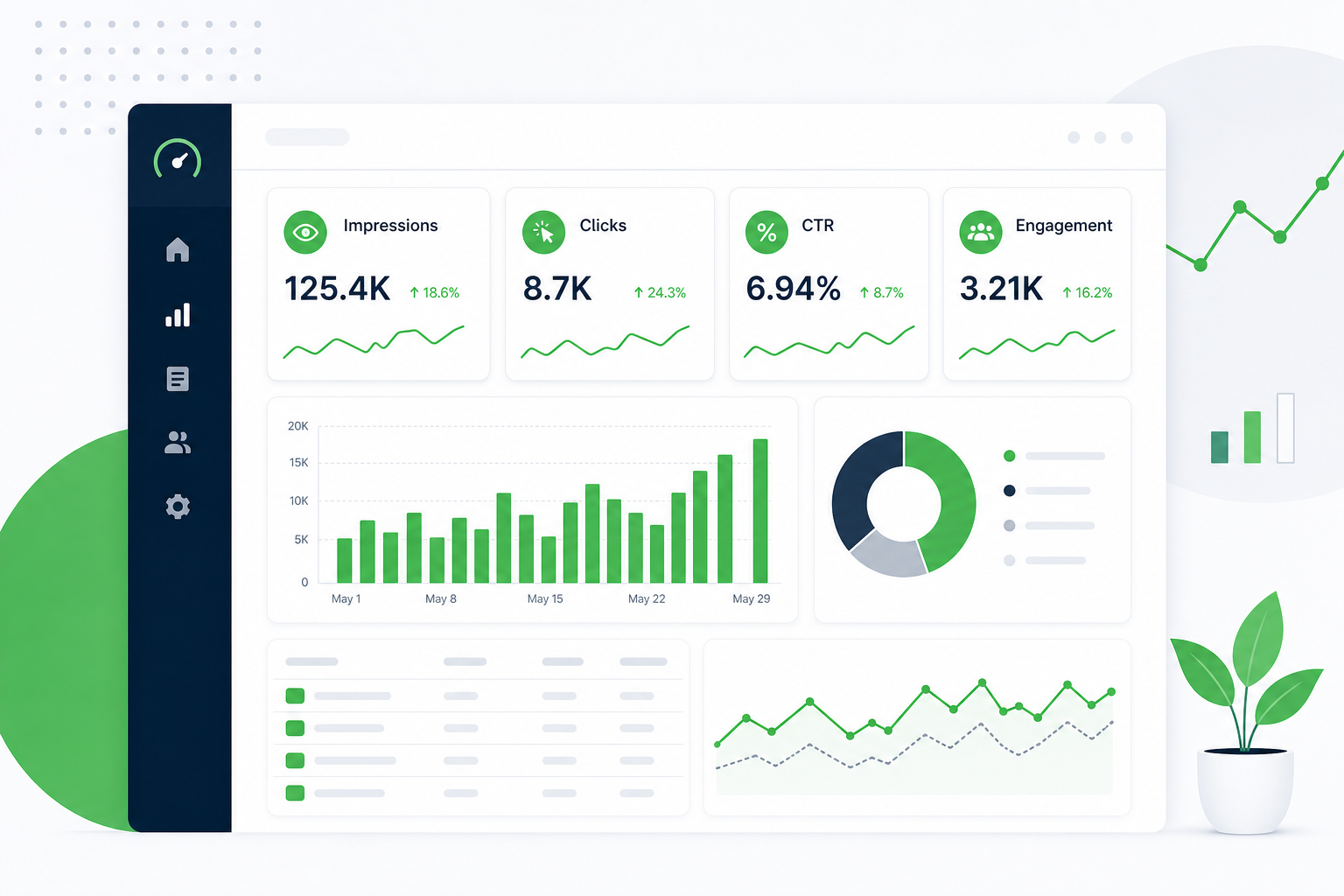
You open Google Search Console and see impressions climbing on a pillar page. GA4 shows engaged sessions flat. Leadership asks which numbers actually matter. That gap is where content metrics earn their keep. They are the specific measurements that tell you whether a URL is visible, useful, and moving people toward a business outcome, not just whether traffic went up last month.
This guide is a practitioner list: definitions, data sources, review cadence, and a starter dashboard layout you can build in a spreadsheet before you buy another platform. If you need the discipline defined first, start with our post on what is content analytics. If you already run reviews and want decay diagnosis, see content metrics for decay vs growth. This post sits between those two: what to track, how often, and where the data lives.
What content metrics are (and why the list matters)
Content metrics are the numbers you attach to individual URLs, topic clusters, or content types so you can compare performance over time and decide what to refresh, promote, merge, or retire. They are not vanity totals. Each metric should answer a question your team will act on.
Without a shared list, marketing ends up with three parallel stories: SEO reports impressions, content reports pageviews, and sales reports pipeline with no line back to specific posts. A short, agreed metric set forces one conversation: which five URLs do we fix this month?
We use this starter catalog on content analytics audits for B2B sites. It is deliberately tool-light. Search Console and GA4 cover most discovery and engagement signals; CRM exports cover influence when you have them.
Content metrics vs content analytics vs SEO metrics
These terms overlap in slide decks. In practice they stack:
- Content metrics are the individual measurements (impressions, engaged sessions, assisted conversions).
- Content analytics is the practice of collecting those metrics, joining them at the URL level, and turning them into editorial decisions.
- SEO metrics are a subset focused on search visibility: rankings, impressions, clicks, index coverage, crawl issues.
SEO metrics tell you whether you showed up. Content metrics ask what happened before and after the click, and whether the URL still deserves investment. You need SEO metrics inside your content metric set, but SEO alone cannot tell you if a ranking page is sending qualified readers or bleeding attention.
The 12 content metrics B2B teams should know
Below is a core set we recommend for marketing sites with 50+ indexed URLs. Each row includes a plain definition, where to pull the number, and how often to review it. Treat this as a starter dashboard schema, not a mandate to track everything on day one.
| Metric | Definition | Primary source | Review cadence |
|---|---|---|---|
| Impressions (by URL) | How often a page appeared in search results | Google Search Console | Monthly (90-day window) |
| Clicks (by URL) | How often searchers chose your result | Google Search Console | Monthly |
| CTR (by URL) | Clicks divided by impressions; snippet appeal at a given rank | Google Search Console | Monthly; read with position |
| Average position (priority queries) | Typical rank for queries you care about | Google Search Console | Monthly; flag 90-day trends |
| Indexed URL count with impressions | Share of your library that is visible in search | Google Search Console | Quarterly |
| Engaged sessions (landing page) | Sessions that lasted 10+ seconds, had 2+ pages, or fired a conversion event | GA4 | Monthly |
| Engagement rate (landing page) | Engaged sessions divided by total sessions on that landing URL | GA4 | Monthly |
| Key events / conversions (landing page) | Form fills, demo requests, or other defined actions tied to the URL | GA4 (+ CRM when available) | Monthly |
| Scroll / content interaction (optional) | Whether readers reach mid-article or key sections | GA4 events or CMS analytics | Quarterly setup check |
| Internal inlinks (priority URLs) | Count of internal links pointing at hub or money pages | Site crawl or Search Console links report | Quarterly |
| Assisted conversions / influenced contacts | Contacts who touched content URLs before converting | CRM or MAP export | Monthly or quarterly |
| Content freshness age | Days since last meaningful update to the URL | CMS + editorial log | Quarterly |
Start with the first eight if you are building a dashboard this week. Add CRM influence and freshness tracking once the monthly GSC + GA4 join is habit. Our deeper catalog on content analytics metrics covers advanced cuts; this table is the 80/20 list.
Discovery metrics: visibility before the click
Discovery metrics answer: is the right page being seen for the right queries? Search Console is the source of truth for organic discovery at the URL and query level.
Impressions and clicks together
Never read impressions without clicks and position. A page with 5,000 impressions and 12 clicks is telling a different story from a page with 400 impressions and 40 clicks. We walk through that split in our guide on impressions vs clicks in GSC. The short version: high impressions with weak CTR at strong positions usually means title and meta work; high impressions at weak positions often means ranking work.
Query coverage
Export top queries by page monthly. Flag queries where you rank but the page title does not match intent, or where multiple URLs compete for the same query. Query coverage is a leading indicator of cannibalization before traffic moves.
Index coverage
Track how many priority URLs earn impressions each quarter. If your library grew by 30 posts but indexed URLs with impressions stayed flat, you may have a quality or internal linking problem, not a content volume problem.
Engagement metrics: did the content do its job?
After the click, GA4 tells you whether the visit was worth the impression. Engagement metrics protect you from chasing clicks that bounce in eight seconds.
Engaged sessions and engagement rate
Filter GA4 landing pages to blog and resource URLs. Sort by sessions, then scan engagement rate. A URL with 200 sessions and 15% engagement deserves a content audit. A URL with 40 sessions and 65% engagement may be a visibility problem, not a quality problem.
Time on page (use carefully)
Average session duration is easy to misread. Long time on a support-style article can be good; long time on a short CTA page can mean confusion. Pair duration with scroll events or section engagement when you can. If you only have duration, compare like pages (two how-to guides, not a guide vs a contact page).
Return visits to content URLs
B2B buyers rarely convert on first read. When GA4 shows return sessions on the same guide from the same account or user path, that URL is doing nurture work even if last-touch conversions look modest.
Conversion and influence metrics
Traffic and engagement metrics stop at the boundary of marketing’s proof. Conversion metrics tie URLs to pipeline.
Key events on landing pages
Define key events in GA4 for demo requests, newsletter signups, asset downloads, and contact form submits. Attribute by landing page, not just site-wide totals. A hub with 1,000 sessions and zero key events is a structural problem for that cluster.
CRM-assisted touches
Export contacts with first-touch or multi-touch content URLs. Even a simple report (“opportunities that viewed these five guides”) beats arguing from pageviews alone. Match CRM campaign or page fields to your URL taxonomy so exports stay clean.
Pipeline lag and expectations
Content metrics for B2B need honest time horizons. A pillar published this quarter may influence deals that close next quarter. Track influence monthly; judge ROI quarterly, not weekly.
Health metrics: freshness, links, and decay signals
Health metrics catch slow declines before they become traffic cliffs. They complement, not duplicate, a full decay decision matrix. For keep/merge/refresh/redirect choices, use the decay vs growth post; here we focus on the early warning numbers.
Position trend (90 days)
In Search Console, compare average position on priority queries across 90-day windows. A slide from 6 to 11 does not always mean crisis, but three consecutive months of drift on a money URL belongs on the repair list.
Internal links to priority URLs
Run a crawl quarterly. Count internal inlinks to hubs and high-intent spokes. New posts that never get linked behave like orphans even when the writing is solid.
Last updated date
Log meaningful updates in your CMS or editorial sheet: section rewrites, new examples, stat refreshes. “Published date” alone misleads readers and search systems when the body is years old.
How to build a starter content metrics dashboard
You do not need Looker Studio on day one. A spreadsheet with three tabs works for most teams under 500 URLs.
Tab 1: URL master list
Columns: URL, hub/cluster, owner, business priority (A/B/C), last updated, notes. Pull your top 50 URLs by business importance, not only by traffic.
Tab 2: Monthly GSC + GA4 join
Each month, paste 90-day figures per URL: impressions, clicks, CTR, average position (GSC); sessions, engaged sessions, engagement rate, key events (GA4). Add a delta column vs prior month for impressions and engaged sessions.
Tab 3: Action log
Columns: URL, flag type (CTR gap, low engagement, decay, orphan), assigned fix, owner, status, date rechecked. This tab is the product. Metrics without assigned fixes are just reporting.
When you outgrow the sheet, graduate to a BI tool or a dedicated dashboard. Our post on the content analytics dashboard marketers use shows what to add next: filters by hub, anomaly highlighting, and shared views for editorial standups.
Monthly review workflow (60–90 minutes)
A metric list only works with a calendar block. Here is the rhythm we recommend:
- Pull data (15 min): Export GSC by page and GA4 landing pages for the same 90-day window.
- Flag URLs (20 min): Mark top 10 by impressions with below-benchmark CTR; mark top 10 by sessions with below-benchmark engagement.
- Cross-check decay signals (10 min): Any flag where impressions and clicks both fell 90 days over 90 days goes to the repair column. Use the decay monitoring workflow for ongoing watches.
- Assign five fixes (15 min): Title rewrite, section refresh, internal links, merge, or redirect. No more than five per cycle.
- Log and schedule (10 min): Update the action tab and book recheck dates.
Teams that skip the action log end up with the same dashboard every month and the same declining URLs. The metric is not the outcome; the fix is.
If you use a content decay monitoring workflow, plug its output into tab three as pre-flagged URLs so decay and CTR gaps share one queue instead of two competing spreadsheets.
Common mistakes when tracking content metrics
- Tracking pageviews alone. Volume without engagement or conversion context rewards the wrong pages.
- Separating GSC and GA4 reviews. Join at the URL monthly or you miss the visibility-to-quality gap.
- Too many metrics too soon. Twelve definitions does not mean twelve charts on day one. Start with eight.
- No owner. Someone must send the monthly “here is what we change” note.
- Chasing single-week spikes. Use 90-day windows for editorial decisions; weekly for launch monitoring only.
- Ignoring CRM when you have it. Engagement without influence data undervalues mid-funnel guides.
Which metrics to add as you mature
After six months of stable reviews, layer in:
- Topic cluster coverage: impressions and clicks aggregated by hub, not only URL.
- AEO / citation tracking: branded and definitional query presence in AI answers (pair with your AEO roadmap, not a duplicate tracking post).
- Content ROT scoring: redundant, outdated, or thin URL counts from periodic content audits.
- Refresh ROI: before/after metrics on URLs you updated, stored in the action log.
Each addition should unlock a decision you cannot make with the starter eight. If a metric does not change what you publish or fix, drop it.
Turn your metric list into a dashboard you actually use
The best content metrics dashboard is the one tied to five assigned fixes every month. Start with the table in this post, build the three-tab spreadsheet, and protect 90 minutes on the calendar. If you want help mapping GSC and GA4 exports to a prioritized URL list and review cadence, we set that up as part of our content analytics work. You leave with a starter dashboard schema, not a shelf of tools.
Content metrics questions marketers ask
Quick answers on definitions, data sources, dashboard layout, and how often to review without overbuilding your stack.
What are content metrics?
Content metrics are the specific measurements you attach to URLs or topic clusters to judge whether each piece is visible, engaging, and contributing to business goals. Common examples include impressions, clicks, CTR, engaged sessions, and conversions tied to landing pages.
They differ from site-wide web analytics totals because they zoom in on editorial decisions: which posts to refresh, which hubs need internal links, and which topics deserve new pillars.
What content metrics should marketers track first?
Start with eight: impressions, clicks, CTR, and average position from Search Console; engaged sessions, engagement rate, and key events from GA4; plus a simple count of internal links to priority URLs from a quarterly crawl.
Review monthly using 90-day windows. Add CRM influence and freshness tracking once the GSC + GA4 join is a stable habit.
Where do you get content metrics?
Google Search Console covers organic discovery at the URL and query level. GA4 covers on-site behavior after the click. CRM or marketing automation exports add pipeline influence when available. A spreadsheet join is enough for most teams before they invest in a dedicated platform.
The bottleneck is usually process, not tooling: one owner, one monthly review, and an action log tied to each flagged URL.
How often should you review content metrics?
Monthly works for most B2B marketing sites. Pull 90-day GSC and GA4 data, flag five to ten URLs, assign up to five fixes, and log recheck dates. Quarterly, zoom out to hub-level coverage, internal link health, and index breadth.
Weekly checks make sense during launches or major algorithm shifts, but daily chart-watching rarely improves editorial quality.
What is the difference between content metrics and SEO metrics?
SEO metrics focus on search visibility: rankings, impressions, clicks, index status, and technical crawl issues. Content metrics include SEO signals but also engagement, conversions, internal link support, and freshness.
You need SEO metrics inside your content set, but SEO alone cannot tell you if a ranking page holds attention or influences pipeline.
How do content metrics relate to content decay?
Decay shows up in content metrics before traffic cliffs: falling impressions and clicks together, weaker engagement, and slipping position on priority queries. Those signals belong on your monthly flag list.
Metrics tell you something changed; a separate decay workflow tells you whether to refresh, merge, or redirect. Pair both instead of treating a single number as the whole diagnosis.
Do you need a content analytics platform to track content metrics?
No. Search Console, GA4, and a three-tab spreadsheet (URL list, monthly join, action log) cover most teams under 500 URLs. Platforms help at scale or when multiple stakeholders need shared views.
Buy or build a dashboard only after the monthly review habit exists and you know which decisions the extra tooling must speed up.
What belongs on a content metrics dashboard?
At minimum: URL, hub, impressions, clicks, CTR, position, sessions, engaged sessions, engagement rate, key events, month-over-month deltas, and an action column with owner and status. Filter to priority URLs so the view stays actionable.
The dashboard fails when it shows every metric and assigns no fixes. Five assigned actions per month beats twenty charts with zero follow-through.